How To · Quote On Site
Estimate App With Client Signature: Quote On Site
Use an estimate app with client signature to quote and win the job before you leave the house.
In a hurry? Turn a photo into an itemized estimate in about 6 seconds.
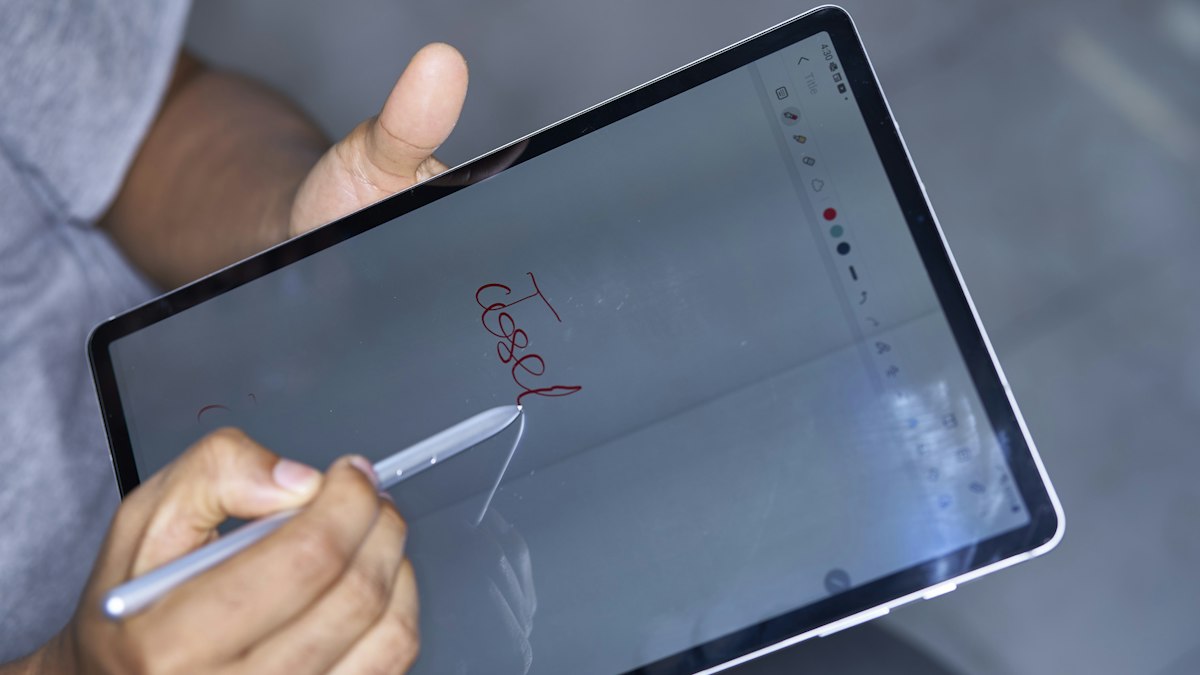
Why an estimate app with client signature wins the job on site
An estimate app with client signature lets you photograph the job, get the itemized estimate, add your markup, and send the quote while you are still at the house. The client signs to approve. SimplyWise Cost Estimator is $29.99/mo or $239.99/yr after a 7-day free trial.
Plenty of jobs slip away in the days after the visit. You drive home and build the quote at night, while the client keeps talking to two other contractors. By the time your number lands, the moment has passed.
Sending the quote from the driveway fixes that. The client is standing in the room you just walked, and the scope is fresh. They can ask a question and get an answer in the same minute, and a signature on the spot turns a maybe into a yes.
How to get a client signature on site, in 4 steps
Here is the whole flow. It fits in the time you spend saying goodbye at the door.
-
Photograph the job
Stand at the work and take a photo. SimplyWise Cost Estimator turns it into an itemized estimate in about 6 seconds, with material, labor and fee lines.
-
Check the lines and add your markup
Edit any line you want to change. The app has built-in markups, so your margin sits in the estimate before the client sees it.
-
Send the quote from the house
Tap Send Estimate and send it to your client while you are still standing there. They get a professional, branded quote.
-
The client signs to approve
The signing feature is for your client. They sign the quote to approve it, and you know you have the job before you pull out of the driveway.
Ready to quote from the job? Turn a photo into an itemized estimate, free →
What happens after the client signs
The signature approves the estimate. The next job is getting paid, and that runs through an invoice.
Open the saved estimate and tap the three dots in the top right corner. Select Create Invoice. The app asks you to fill in a few more fields, and you can preview the invoice before you send it to your client.
Deposits are the part people miss. The estimate has no deposit field. To take a deposit or down payment, add it to the invoice.
Open the invoice, tap Edit, tap Add Field, and choose Payment Schedule. Then add the payment details.
So the order is simple. Estimate first, signature second, invoice with the deposit third.
What to put in the quote before they sign
A signature is only as good as what sits above it. A client who signs a vague quote will argue about it later. Spend two minutes on these three things before you hit send.
- Scope. Say what you will do, room by room or item by item. Use the line items, so each one says what and how much and nobody has to guess.
- Exclusions. Say what the price does not cover: permits, paint, trash haul away, or anything the client might assume is included. Short and plain wins.
- Payment terms. Say when you want paid and how. If you take a deposit, say so in the quote, then put it on the invoice.
This is general job advice, not legal advice. If a job needs a formal contract, ask your own advisor what it should say. For a fuller template, see our construction proposal template.
Client signature support, compared
Every estimate app with client signature handles the signing step a little differently. Here is what each vendor says on its own pages, read October 9, 2026.
| App | Client signing | What the page says | Which plan |
|---|---|---|---|
| SimplyWise Cost Estimator | Yes, client signs to approve | Client side only, no contractor signing | Every plan, no feature gating |
| Joist | Yes | Lists in app digital signatures | Shown in a four plan comparison table |
| Jobber | Yes | Quotes with signature approvals | Page does not say |
| Housecall Pro | Yes | Collects customer signatures on estimates | Page does not say |
| Contractor+ | Yes, client signs the agreement | Lists Contracts and eSignatures: the client signs the agreement before the work is scheduled | PRO plan and up, not on the free FREEDOM plan |
An estimate app with client signature is common now. What differs is the rest of the job. SimplyWise starts from a photo, builds the itemized estimate in about 6 seconds, and keeps the whole feature set on one plan.
SimplyWise Cost Estimator turns a job photo into an itemized estimate in about 6 seconds. Send a professional, branded quote the client signs to approve. Try it free for 7 days, then $29.99/mo or $239.99/yr.
Sources
- SimplyWise Cost Estimator FAQs: signing, Create Invoice and payment schedule steps. Read October 9, 2026.
- SimplyWise, Pricing and the App Store listing (4.8 rating). Read October 9, 2026.
- Vendor pages, read October 9, 2026: Joist pricing, Jobber pricing, Housecall Pro estimating and Contractor+ pricing.
Common questions about signing estimates
Can the contractor sign the estimate in the app?
No. Signing is client side: your client signs the estimate to approve it, and there is no way for you to sign it in the app.
Can I get a deposit on the estimate?
Not on the estimate itself. Deposits and payment schedules live on the invoice. Turn the saved estimate into an invoice, then tap Add Field and pick Payment Schedule.
What if the client wants a change after signing?
The app has no change order feature yet. Duplicate the estimate, make the change, and resend it to your client.
How much does an estimate app with client signature cost?
SimplyWise Cost Estimator is $29.99/mo or $239.99/yr, about $20/mo on annual billing. Every plan has the full feature set, and the trial is free for 7 days.
Send the quote before you leave the house.
Snap a photo, get the itemized estimate, and let your client sign to approve. Free to try, then $29.99/mo or $239.99/yr after a 7-day trial.