How to Estimate · Decks
How to Get a Deck Estimate From a Photo, Step by Step
To get a deck estimate from a photo, take a picture of the deck in SimplyWise Cost Estimator. It turns your photo into an itemized estimate in seconds. Then check each line, fix what the photo can’t show, add your markup and send it for signature.
Add SimplyWise as a preferred source
How to get a deck estimate from a photo in five steps
You need your phone and the deck’s rough size and height. The photo starts the estimate. Your trade sense finishes it.
-
Take a photo of the deck
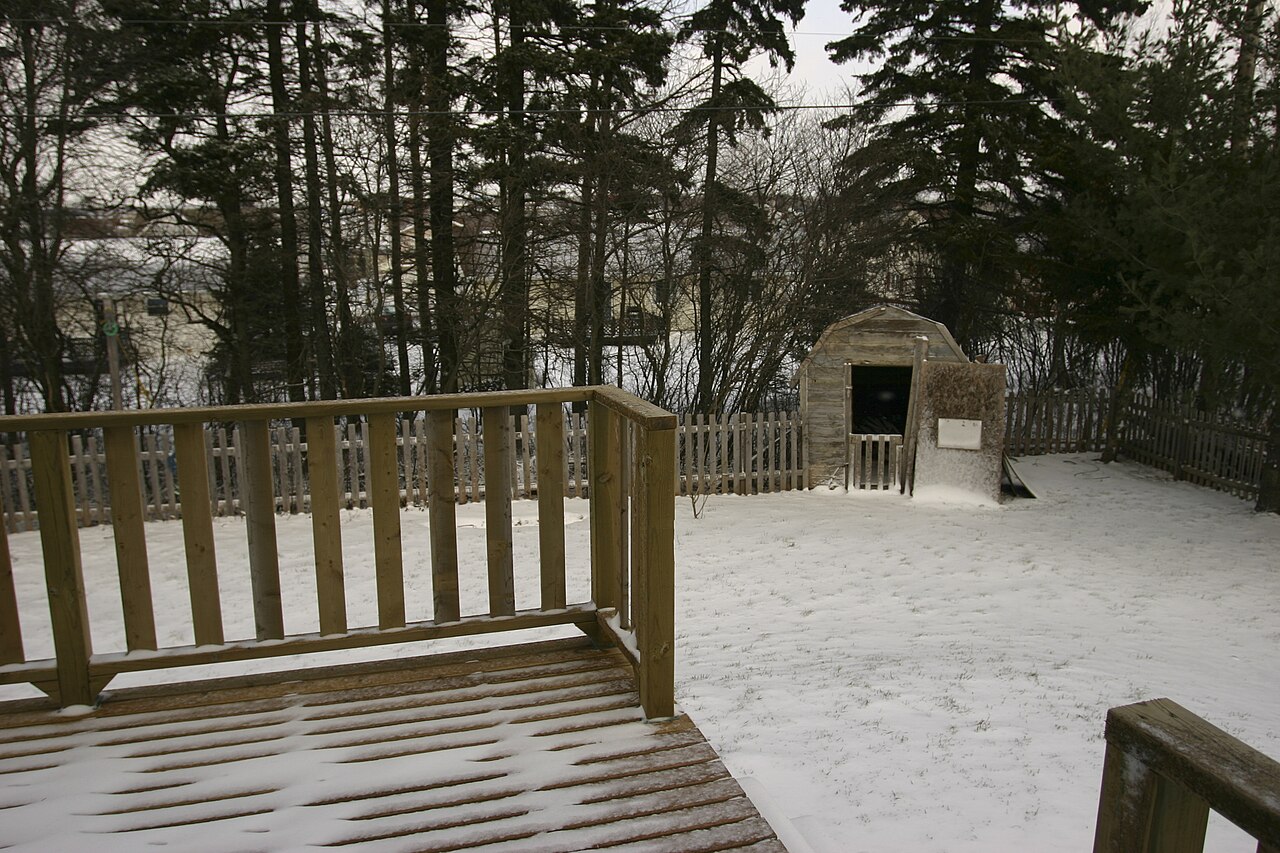
Open SimplyWise Cost Estimator and take a photo of the deck. Stand back in daylight so the whole deck fits in the frame. Then snap the stairs and railing with your own camera, to check those lines later.
Add a short description: the size, the height, the boards, the railing and the stairs. Tap the microphone to say it instead of typing.
-
Review the line items
Your estimate comes back as material, labor and fee lines. Each line has a unit, a quantity and a price per unit.
Material prices come from the Home Depot closest to the zip code in your app. Read every line once, top to bottom. Ask yourself if it matches the deck you saw.
-
Edit what the photo can’t show
A photo shows the boards and the railing. It can’t show the footings, the ledger or rot under the surface.
Every line can be changed. Fix a quantity, a price or a description so it matches your job.
You know the site and your crew’s pace. The client holds you to the number you send.
-
Add your markup
Markup is what you add on top of your cost to cover overhead and profit. SimplyWise Cost Estimator has markups built in. Set yours before you send.
-
Send it for signature
Send a professional, branded quote the client signs to approve.
Once the job is booked, turn the saved estimate into an invoice. You can add a deposit or payment schedule to the invoice.
Turn a photo of your deck into an itemized estimate →
What should you check on a deck estimate before you send it?
The photo gets you a fast first draft. These are the parts that most often hide off camera. So make sure your estimate covers each one, on the right line.
Below the boards
- Footings and posts: count them against your deck layout. Your local code sets the depth, so check it before you price. Goes on: material and labor lines.
- Ledger and flashing: if the deck attaches to the house, price the ledger bolts, flashing and siding work. Goes on: material and labor lines.
- Joists and beams: check each size against the span you plan. Your local code or the manufacturer sets what each size can span. Goes on: material and labor lines.
- Rot on a repair: you often find bad framing only after the old boards come up. Put a price per joist or per board for hidden rot in writing. Goes on: material and labor lines.
On top and around the job
- Decking and hardware: the board type, the board count, the fasteners, hangers and post bases. Screws and hidden fasteners take different time and money. Goes on: material and labor lines.
- Stairs and railing: measure the railing length and count the steps. Code sets the railing height on a raised deck. Plan what the bottom step lands on. Goes on: material and labor lines.
- Tear off and haul away: removing an old deck takes labor, truck trips or a dumpster, and a dump fee. Goes on: labor and fee lines.
- Permit and inspection: ask your town if the job needs a permit. If it does, add the fee and your time for inspection visits. Goes on: fee and labor lines.
Why start a deck estimate with a photo?
You price the job while it is fresh in your mind. You take the photo on site and have a first draft in seconds.
The client gets a clean quote, line by line, not a number on the back of a card. They can see what they pay for. That makes changes easier to talk through.
And you keep every decision. The app drafts the lines. You decide what goes out with your name on it.
What does SimplyWise Cost Estimator do for a deck estimate?
SimplyWise Cost Estimator turns your photo into an itemized estimate in seconds. Every line can be changed. Material prices come from the Home Depot closest to your zip code.
You can describe the job by voice. When the client signs, turn the estimate into an invoice.
The app costs $29.99 a month, or $239.99 a year. That is about $20 a month if you pay for the year. There is a 7-day free trial.
Keep reading
Your questions about deck estimates from a photo
Can you price a deck from just a photo?
Yes, as a start. SimplyWise Cost Estimator turns your photo into an itemized estimate in seconds. Then you check the parts a photo can’t show, like footings and framing.
Where do the material prices come from?
From the Home Depot closest to the zip code in your app. The estimate also adjusts for regional cost differences. You can change any price.
Can you turn your deck estimate into an invoice?
Yes. Open the saved estimate, tap the three dots at the top right and pick Create Invoice. You can add a deposit or payment schedule to the invoice.
How much does SimplyWise Cost Estimator cost?
It costs $29.99 a month, or $239.99 a year, which works out to about $20 a month. There is a 7-day free trial. It runs on iPhone and Android.
How long does a deck estimate from a photo take?
The first draft takes seconds. Then take a few minutes to check each line and fix what the photo can’t show. Add your markup and send it.
Start your next deck estimate with a photo.
Take a photo and get an itemized estimate you can edit. Free for 7 days, then $29.99 a month or $239.99 a year.