Construction · Measure Smarter
How to Measure a Room With Your iPhone: A Contractor Walkthrough
A plain, step-by-step guide to measuring a room with the phone in your pocket: the Measure app, LiDAR scans, honest accuracy expectations, and the fast path from dimensions to priced estimate.
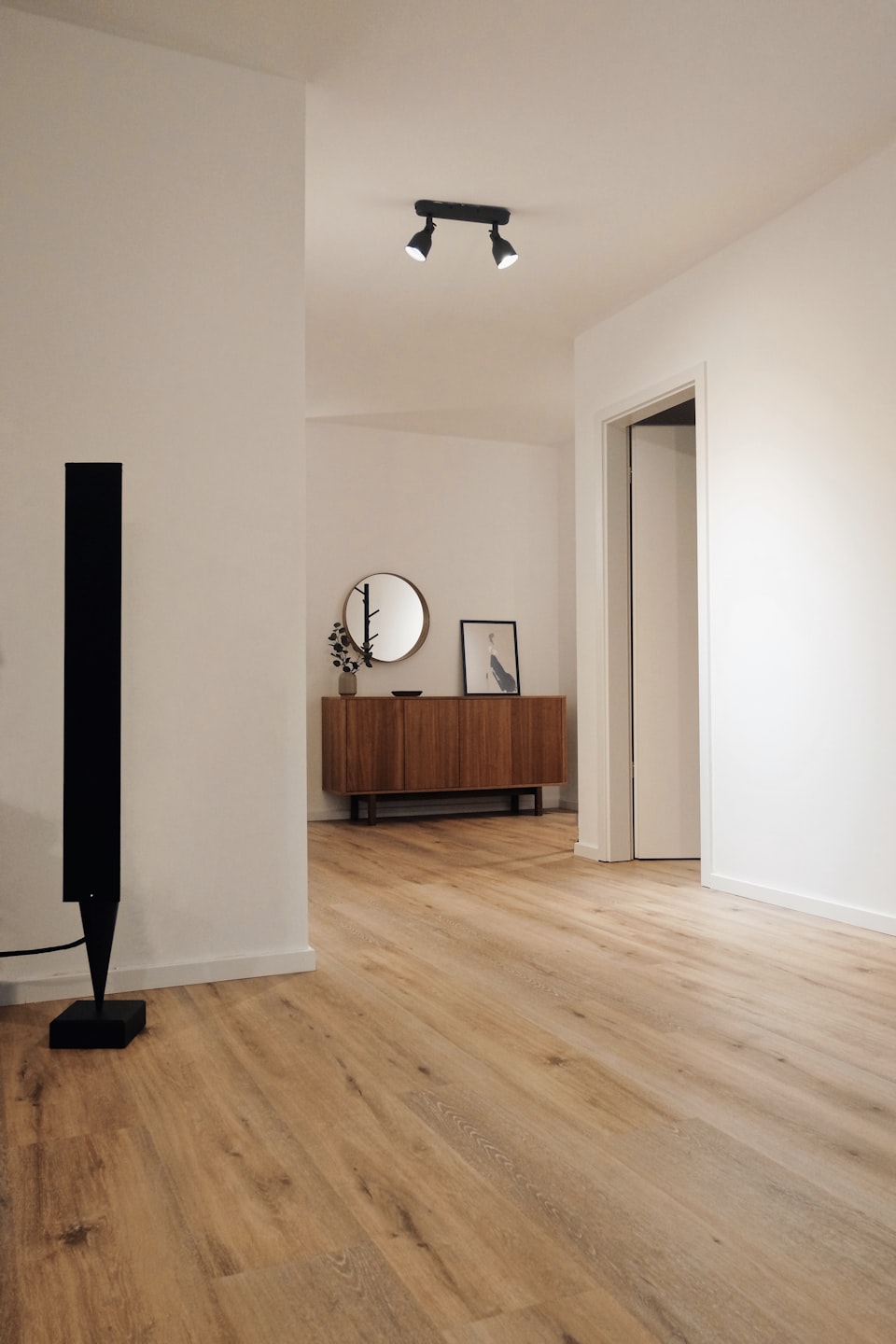
- Every iPhone measures with the built-in Measure app; Pro models add LiDAR.
- Light the room and clear the walls before you lift the phone.
- Measure wall by wall, or run a full room scan on a Pro iPhone.
- Capture doors, windows, and ceiling height in the same visit.
- Treat phone numbers as estimating numbers and verify critical cuts with a tape.
- Turn the measured room into an itemized estimate before you leave.
How to measure a room with your iPhone in 2026
Here is how to measure a room with your iPhone, from the first tap to a priced estimate. You can measure a room with your iPhone in a few minutes, and for most estimating work the numbers are good enough to quote from. Every iPhone ships with Apple’s built-in Measure app, which measures through the camera. Pro models add a LiDAR scanner, listed on Apple’s technical specifications, and Apple’s RoomPlan technology uses it to build a 3D floor plan from a single walkthrough. Below: the six steps, when a tape or laser still wins, and how to price the room on the spot.
The 6 steps to measure a room with your iPhone
-
Prep the room before you lift the phone
Camera measuring needs light and clear sight lines. Turn on the lights, open the blinds, and pull furniture off the walls you need. Mirrors, glass, and glossy floors confuse depth readings, so plan to hand-check those walls.
-
Open the Measure app and let it find the room
Open the preloaded Measure app and pan slowly across the floor and walls so it can lock on. On Pro iPhones with the LiDAR scanner, guide lines appear automatically along straight edges.
-
Measure each wall, corner to corner
Tap to anchor a point in one corner, walk the wall at a steady pace, and tap the far corner. Keep the phone chest high, pointed at the wall line, and screenshot every reading.
-
Capture doors, windows, and ceiling height
Openings drive the trim, paint, and flooring math, so measure each one now. Take ceiling height in two spots; older houses rarely agree from one corner to the next.
-
Run a full room scan on a Pro iPhone
On a LiDAR iPhone, a scanning app walks you in a slow circle and hands back a dimensioned floor plan. Check which iPhones have LiDAR, then pick from our ranked best 3D room scanner apps. No Pro model? Wall-by-wall measuring still gets the quote out.
-
Sanity check the numbers, then price the room
Re-measure the longest wall with a tape. If they disagree beyond scoping tolerance, trust the tape and slow your next scan down.
Then close the loop: snap a photo and the SimplyWise Cost Estimator turns it into an itemized estimate in about 6 seconds, while you are still on site.
Tape, laser, or LiDAR app: what each is for
Knowing how to measure a room with your iPhone does not retire the tape. It ends the second trip back because one dimension got missed.
| Method | Best for | Watch out for |
|---|---|---|
| Tape measure | Critical cuts, trim, cabinetry, verifying the phone | Slow solo on long runs and ceiling heights |
| Laser measure | Long interior runs, ceilings, repeat point-to-point checks | One dimension at a time, still logged by hand |
| Measure app (any iPhone) | Quick single dimensions mid-walkthrough | Needs light and texture; drifts on long runs and glass |
| LiDAR room scan apps | Whole-room capture, floor plans, scoping visits | Pro iPhones only; clutter and mirrors smear the scan |
What accuracy to expect from a phone measurement
A phone measurement is an estimating number, not a fabrication number. It is solid for scoping, quoting, and roughing out materials, and it is not a substitute for the tape on cabinet runs, countertops, or anything cut off site. Our field guide to iPhone LiDAR accuracy for construction covers the benchmarks in depth. Four things move the result more than the hardware does:
- Light. Dim rooms starve the camera; bright, even light tightens every reading.
- Pace. Slow, steady movement scans clean. Rushing smears corners and edges.
- Distance. Stay close to the surfaces you are measuring; long throws drift.
- Surface. Flat painted walls read true. Mirrors, glass, and gloss lie.
From measured room to itemized estimate
Once you know how to measure a room with your iPhone, a measured room is still an unpriced room, and pricing is where the evening disappears. The SimplyWise Cost Estimator closes that gap: photograph the space and it returns an itemized estimate in about 6 seconds, ready to adjust and send. It is free to try. Our guide to LiDAR room scanner apps for contractors shows how crews run the workflow end to end.
The tape measure is not going anywhere. But the contractor who scans the room, checks one wall, and sends a priced estimate from the truck wins the week.
Sources
- Apple, iPhone User Guide, Measure dimensions with iPhone (the built-in Measure app).
- Apple Developer, RoomPlan Overview (camera plus LiDAR Scanner create a 3D floor plan of a room).
- Apple, iPhone 17 Pro Technical Specifications (LiDAR Scanner listed on current Pro hardware).
- Apple App Store, Measure (official Measure app listing).
Frequently asked questions about measuring a room with your iPhone
Can I measure a room with an iPhone that has no LiDAR scanner?
Yes. Apple’s Measure app works on iPhones without LiDAR, using the camera to measure one dimension at a time. LiDAR on Pro models unlocks automatic guide lines and full room scanning apps, but wall-by-wall measuring works without it.
Which iPhones have the LiDAR scanner?
Apple has included the LiDAR scanner on Pro and Pro Max iPhones since the iPhone 12 Pro, and Apple’s technical specifications list it on the current Pro lineup. Standard models do not carry it. Check Settings, General, About for your model name, then confirm it on Apple’s specs page.
How accurate is an iPhone room measurement?
Accurate enough to scope a job, build an estimate, and rough out materials. It is not a substitute for a tape or laser on cabinet runs, countertops, or anything cut off site. Good light, a slow pace, and staying close to the wall all tighten the result.
Do I need a special app, or is the built-in Measure app enough?
The built-in Measure app handles single dimensions and quick checks. For a full floor plan in one pass, use a room scanning app on a LiDAR iPhone. Most contractors run both: Measure for one-off dimensions, a scanner app for whole-room capture.
Is there an app that scans a room and estimates construction costs?
Yes. The SimplyWise Cost Estimator turns a photo of the room into an itemized construction estimate in about 6 seconds, and it is free to try. Measure or scan for dimensions, photograph the space, and hand the client a priced scope before you leave the site.
Should contractors stop carrying a tape measure?
No. The phone wins on speed, whole-room capture, and same-day quotes. The tape and the laser win on critical accuracy and jobsite durability. The practical kit is all three: scan for scope, laser for long runs, tape for cuts.
Measure the room. Price it before you leave.
Turn a jobsite photo into an itemized estimate in about 6 seconds, then send the quote while the walkthrough is still fresh. Free to try.