AI Estimating · Complete Guide
The Complete Guide to AI Construction Estimating (2026)
How AI construction estimating actually works, the four tool types on the market, and a simple 6-step workflow to turn a jobsite photo into an itemized estimate.
In a hurry? Turn a photo into an itemized estimate in about 6 seconds.
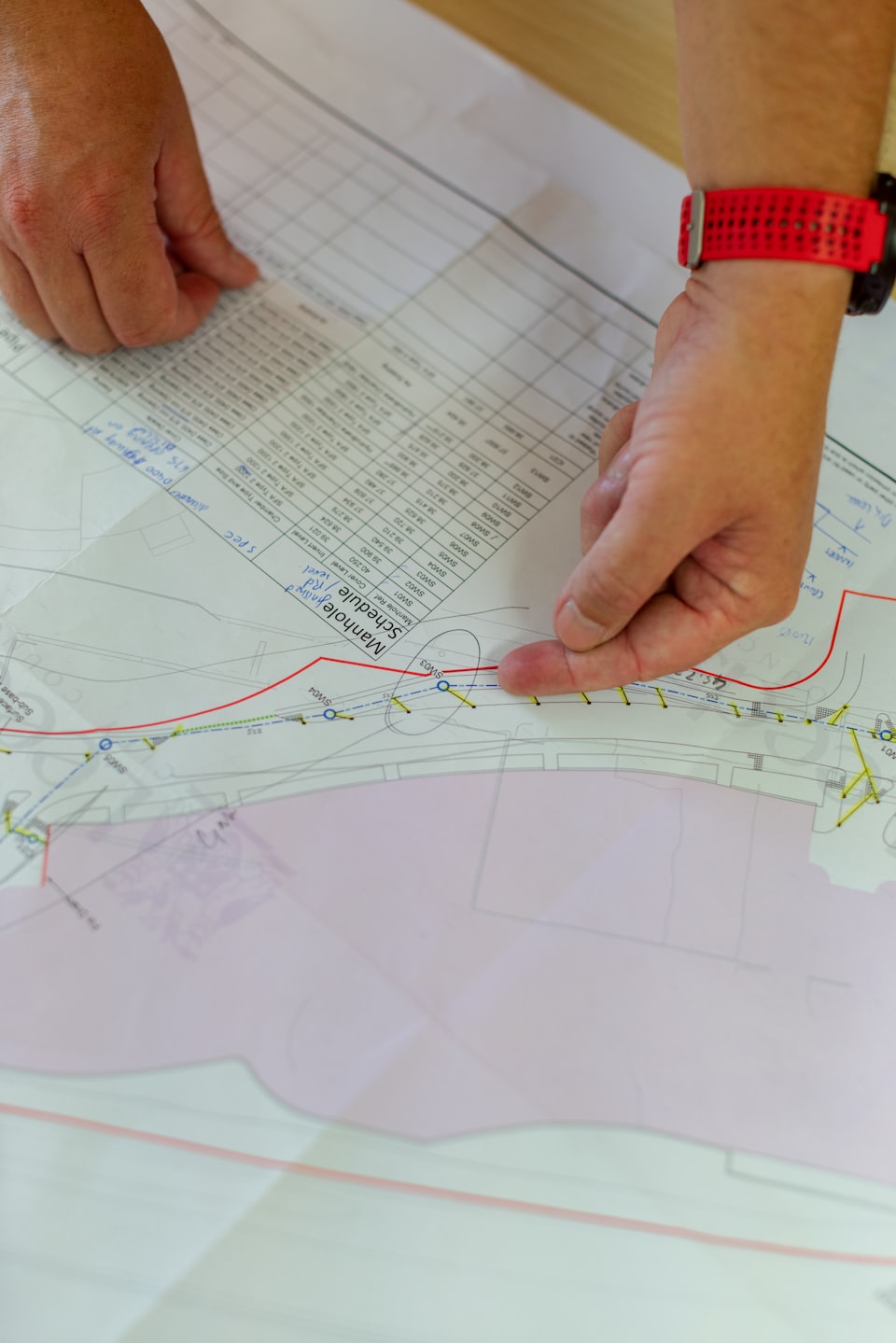
AI construction estimating in 2026: what it actually does
AI construction estimating uses computer vision, machine learning, and language models to do the slow parts of a bid for you. Instead of measuring a room, looking up material costs, and building a spreadsheet line by line, the software identifies scope, pulls regional pricing, and returns a structured estimate you can edit. The key word is parts. No tool today runs the whole job from start to finish. What they do is collapse the hours: an auto takeoff in seconds instead of an afternoon, a cost breakdown from one photo, a clean proposal from a few inputs.
That matters because estimating is a real trade, not a side task. The Bureau of Labor Statistics counts 224,220 cost estimators earning a median of $78,740 a year as of May 2025, and projects the role to shrink 4% by 2034 even as building continues. The mechanical work is the work software now does fastest, which frees your judgment for the parts that actually win jobs.
The four kinds of AI estimating technology
Four approaches share the market. Match the type to the bottleneck you feel every week.
| Approach | What it does | Best for |
|---|---|---|
| Computer vision (photo) | Reads a photo, identifies materials and scope, and prices it | Residential walkthroughs and fast field bids |
| Blueprint takeoff | Reads a PDF or CAD plan and auto-measures areas and counts | Commercial GCs with large plan sets |
| Proposal generation | Turns a few inputs into a formatted, client-ready proposal | Remodelers who close on the first quote |
| Template pricing | Suggests line items and cost ranges from the project type | Contractors new to estimating software |
The SimplyWise AI Estimation Engine sits in the first row: photo-to-estimate intelligence built for the field rather than the office.
The 6 steps of AI construction estimating
-
Pick the tool type that fits your work
Match the approach to your daily bottleneck. Photo-based for residential walkthroughs, blueprint takeoff for large plan sets, proposal generation when your quotes look thin, and template pricing when you are new to the workflow.
-
Feed it a clean input
Output quality tracks input quality. Give the tool a clear, well-lit photo, a readable PDF plan, or accurate project details. A blurry photo produces a blurry estimate.
-
Let it define scope and price it
The tool identifies surfaces, fixtures, and materials, estimates dimensions from what it sees, and applies regional pricing to build itemized line items with quantities and costs.
-
Review what the tool cannot see
This is the human layer. The software cannot spot knob-and-tube wiring behind the wall or water damage under the floor. Walk the output against the real site and fix what the camera missed.
-
Swap in your real costs
A regional database gets you close, not exact. Drop in your actual material prices and subcontractor rates, then add your margin before anything leaves your phone. For the errors that cost jobs, see our guide on 5 mistakes contractors make with estimates.
-
Send it and track your win rate
Send the itemized estimate the same day, then watch how many turn into signed jobs. That number, not the software demo, tells you whether the workflow is paying off.
Quote faster with the SimplyWise AI Estimation Engine
Good estimating dies when the quote takes all night. The SimplyWise AI Estimation Engine is photo-to-estimate intelligence: the engine scans the room and returns an itemized estimate in about 6 seconds. Snap a photo on the walkthrough, check the line items against the site, and price the job from a photo before you leave the driveway. The SimplyWise Receipt Scanner and Mileage Tracker companion apps capture the real costs your price has to cover. For more field tools, see our roundup of 10 construction apps that make your life easier. It is free to try.
Where AI estimating helps, and where your judgment wins
Lean on the software where it is strong, and stay in charge where it is not.
Where it helps:
- Measurement consistency: blueprint tools measure without misread scales, skipped rooms, or transposed numbers.
- Current pricing: regional databases refresh more often than the last reference you looked up.
- Repeatable work: kitchens, baths, roofing, and painting price well because the models have seen thousands of them.
Where you win:
- Hidden conditions the camera cannot see, like rot, wiring, or failed waterproofing.
- Custom or historic work that falls outside common patterns.
- Your real subcontractor rates and site access, which no database knows.
The stakes are big. U.S. construction spending runs near a $2.2 trillion annual rate, so a faster, tighter bid is a real edge. Treat any output as a starting point, since material prices move month to month, and let your experience carry the final number.
Sources
- U.S. Bureau of Labor Statistics, Occupational Employment and Wage Statistics, Cost Estimators (13-1051), May 2025 (median $78,740 per year, $37.86 per hour; about 224,220 jobs).
- U.S. Bureau of Labor Statistics, Occupational Outlook Handbook, Cost Estimators (employment projected to decline 4% from 2024 to 2034).
- U.S. Census Bureau, Construction Spending (May 2026 seasonally adjusted annual rate of $2,210.2 billion).
AI handles the measuring and the math. You handle the judgment that turns an estimate into a signed job.
SimplyWise Editorial
Frequently asked questions about AI construction estimating
Accuracy and trust
Is AI estimating accurate enough for real client proposals?
Yes, as a starting point. Many contractors use AI estimates as-is for preliminary quotes. For final proposals, most adjust the output for site conditions, their own material costs, and margin. The tool does the mechanical work, and you bring the judgment.
Will AI replace human estimators?
Not anytime soon. AI handles the mechanical parts of estimating, measuring, calculating, and formatting, faster than a person can. It cannot replace a contractor’s judgment for spotting hidden problems or reading site conditions. The best setup is AI on the routine work and a human on the judgment calls.
Tools and workflow
Can AI estimate from photos alone, without blueprints?
Yes. The SimplyWise AI Estimation Engine returns a detailed cost estimate from a single photo in about 6 seconds. It identifies materials, surfaces, fixtures, and scope, then builds itemized line items with quantities and costs. It works well for residential projects where the scope is visible: kitchens, bathrooms, roofing, and painting.
Which AI estimating tool is best for a solo contractor?
For a solo contractor, the SimplyWise AI Estimation Engine is the default choice: photo-to-estimate intelligence that works in the field and is free to try. It suits operators who quote from the truck rather than behind a desk, without a takeoff.
Turn a jobsite photo into a bid.
The SimplyWise AI Estimation Engine scans the room and returns an itemized estimate in about 6 seconds, and the SimplyWise Receipt Scanner and Mileage Tracker companion apps capture every receipt and mile so your numbers stand on real costs. Free to try.